Custom Shipping Labels for Your Shopify Store
Create branded shipping labels for Shopify orders. Add your store logo, custom messages, and a professional touch to every package you send.
Beyond Shopify's Default Labels
Shopify generates basic shipping labels, but they're plain and generic. They get the job done, but they don't represent your brand. Custom labels let you add your logo, a thank-you message, and a consistent, professional look.
Setting Up Your Brand Label
What Makes It Work for Shopify Sellers
Pairing with Your Shopify Workflow
For each new order:
Your return address, logo, and thank-you message are already saved, so you only need to update the destination each time.
The Unboxing Experience
The shipping label is the first thing your customer interacts with. Before they even open the box, they see your brand. That moment of recognition builds trust and sets the tone for the entire unboxing experience.
Recommended Supplies
View all
A4 Brown Kraft 4x6 Envelopes Self Seal 100 Pack
Goefun 4.25 x 6.25 inch brown kraft envelopes. Self-seal, 120 GSM, printable. Perfect for shipping labels, greeting cards, photos, and invitations. FSC-certified paper.

Rollo USB Shipping Label Printer - Commercial Grade 4x6
Commercial grade direct thermal 4x6 label printer. 150mm/s print speed, 203 DPI. No ink needed. Compatible with all major shipping platforms. Windows and Mac.
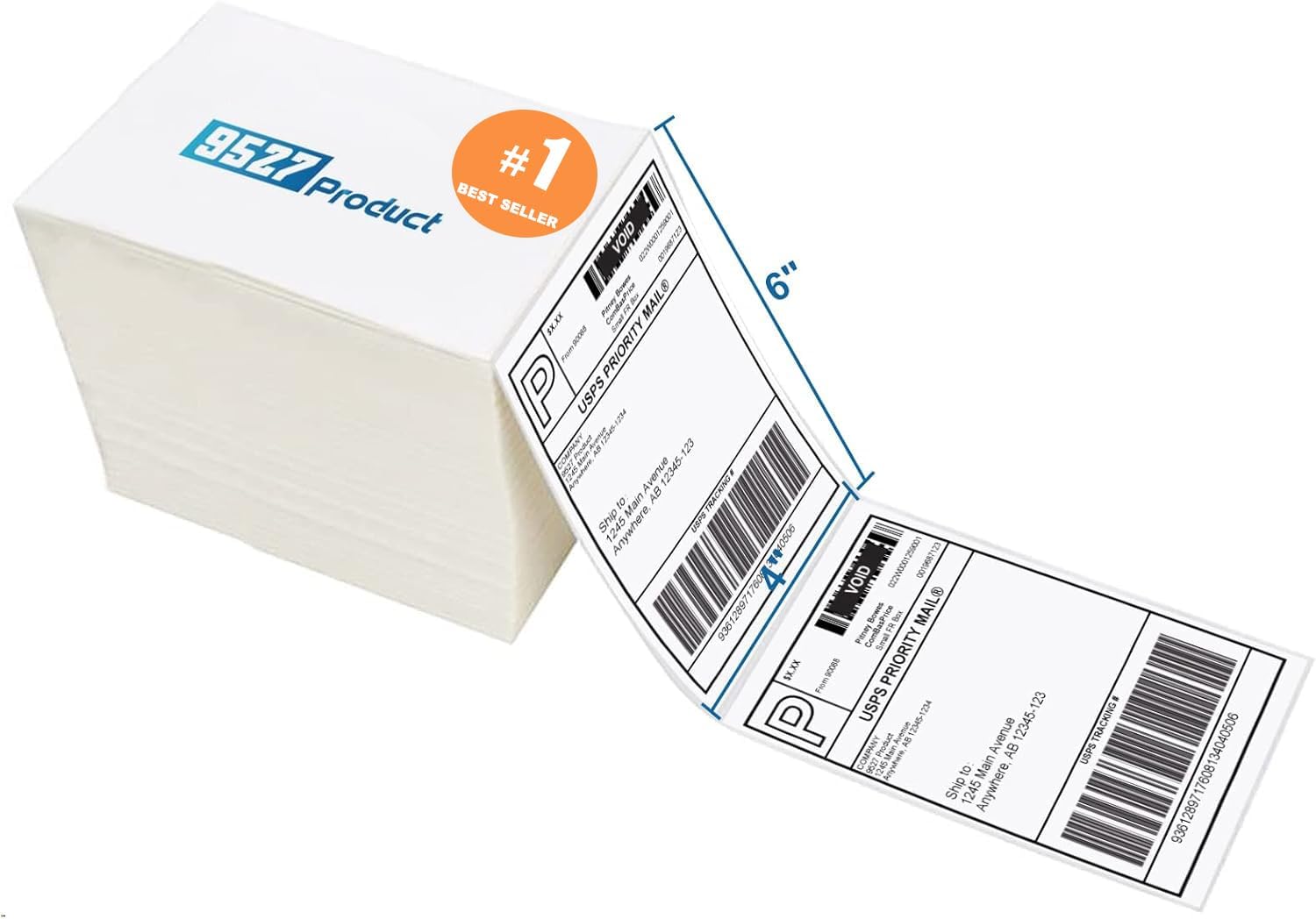
9527 Product Fanfold 4x6 Direct Thermal Labels (500 per Stack)
Fanfold 4x6 direct thermal perforated shipping labels. Compatible with Zebra, MUNBYN, and most thermal printers. Strong adhesive for boxes and envelopes. Upgraded thick backing paper.

Methdic Fragile Stickers 1"x3" Handle with Care (1000 Labels)
Strong adhesive "Fragile - Handle With Care" shipping labels. 1"x3" bright red vinyl stickers. Sticks to corrugated boxes, poly bags, and mailers.
As an Amazon Associate, we earn from qualifying purchases.