Thermal vs. Inkjet: Which Printer Is Best for Shipping Labels?
Compare thermal and inkjet printers for shipping labels. Cost breakdown, print quality, speed, and which is right for your business volume.
The Two Options
When it comes to printing shipping labels at home, you have two main choices: thermal printers and standard inkjet/laser printers. Both work great with My Shipping Label.
Thermal Printers
Best for: High-volume sellers (10+ shipments per day)
Pros:
Cons:
Popular models: Rollo, DYMO 4XL, MUNBYN
Inkjet/Laser Printers
Best for: Low-volume sellers or those starting out
Pros:
Cons:
Cost Comparison (per 100 labels)
| Thermal | Inkjet | |
|---|---|---|
| Label cost | ~$3 (roll) | ~$12 (sheets) |
| Ink cost | $0 | ~$5 |
| Total | ~$3 | ~$17 |
Our Recommendation
If you ship fewer than 5 packages a day, start with your existing inkjet printer and adhesive label sheets. Once you're consistently shipping more, a thermal printer pays for itself quickly.
Either way, My Shipping Label works perfectly with both. Just design your label, hit print, and select your printer.
Recommended Supplies
View all
A4 Brown Kraft 4x6 Envelopes Self Seal 100 Pack
Goefun 4.25 x 6.25 inch brown kraft envelopes. Self-seal, 120 GSM, printable. Perfect for shipping labels, greeting cards, photos, and invitations. FSC-certified paper.

Rollo USB Shipping Label Printer - Commercial Grade 4x6
Commercial grade direct thermal 4x6 label printer. 150mm/s print speed, 203 DPI. No ink needed. Compatible with all major shipping platforms. Windows and Mac.
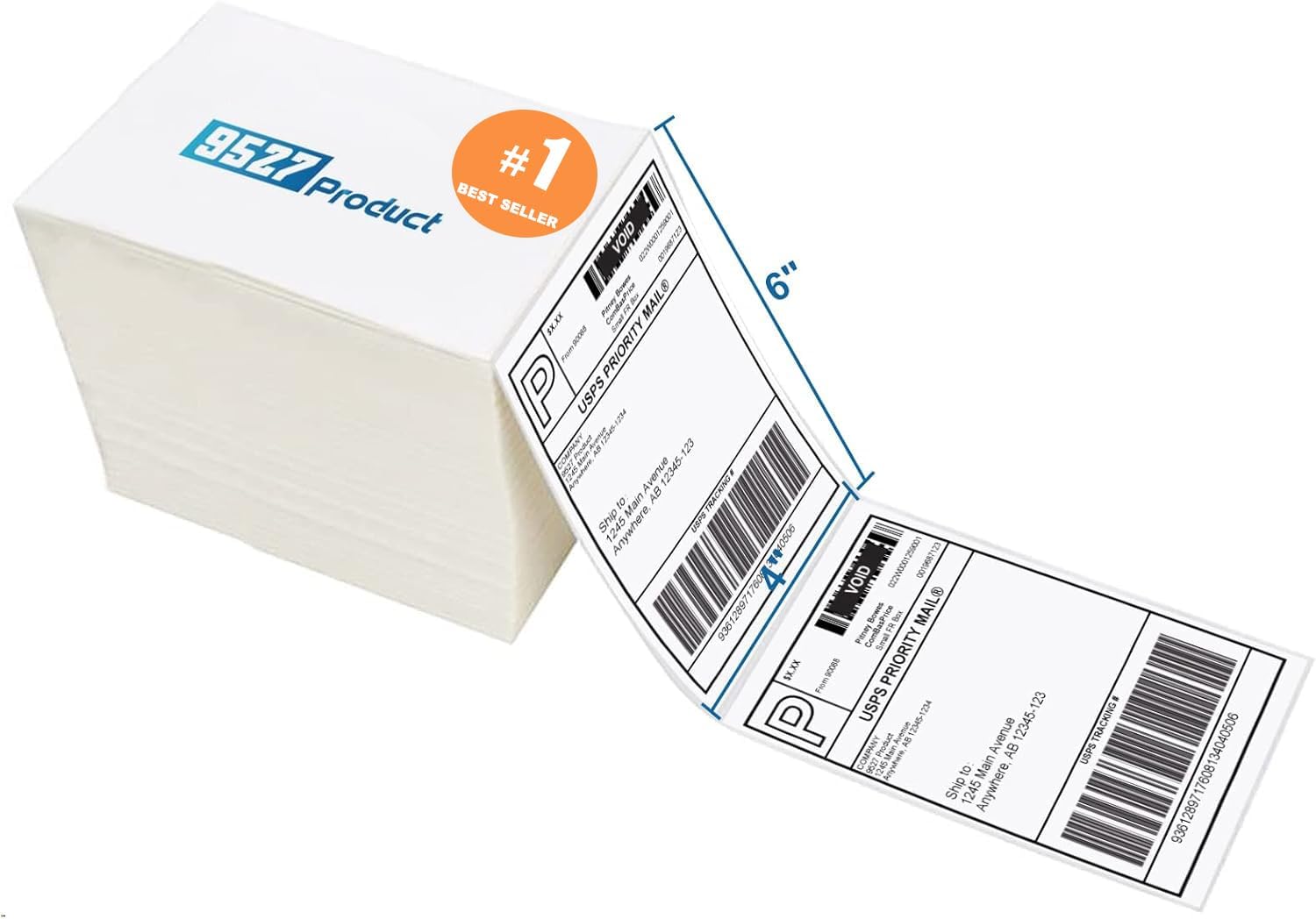
9527 Product Fanfold 4x6 Direct Thermal Labels (500 per Stack)
Fanfold 4x6 direct thermal perforated shipping labels. Compatible with Zebra, MUNBYN, and most thermal printers. Strong adhesive for boxes and envelopes. Upgraded thick backing paper.

Methdic Fragile Stickers 1"x3" Handle with Care (1000 Labels)
Strong adhesive "Fragile - Handle With Care" shipping labels. 1"x3" bright red vinyl stickers. Sticks to corrugated boxes, poly bags, and mailers.
As an Amazon Associate, we earn from qualifying purchases.